Wondershare EdrawMind
MindMap Gallery Tutorial for learn JavaScript
Tutorial for learn JavaScript
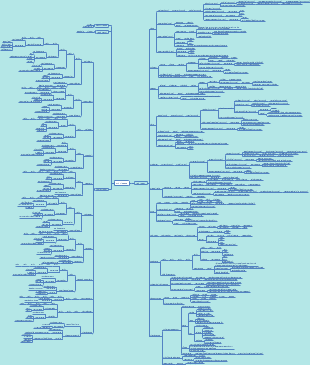
JavaScript is a versatile and widely-used programming language that powers the interactive features and dynamic content on the web. This mind map aims to provide a structured and visual overview of the essential concepts, techniques, and resources for mastering JavaScript. Whether you are a beginner looking to grasp the fundamentals or an experienced developer seeking to expand your skills, this mind map will guide you through the key topics, including syntax, data types, functions, DOM manipulation, event handling, and more.
Edited at 2023-06-17 12:07:57
- Basic Git Commands
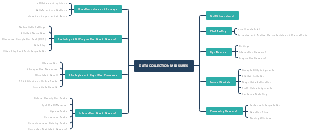
Programmers must understand Git because it is a very important version control system that greatly assists in collaboration, code management, version tracking, and other aspects of software development. As a programmer, it is very important to understand and be proficient in using Git. Git is an indispensable tool for both individual project management and collaborative development between teams. This is a mind map about Basic Git commands Every Developer Must Know. The map contains 5 main branches, namely: Git: configurations, Git: starting a repository, Git: starting files, Git: committing to a repository, and Git: branching. Each main branch has detailed descriptions of multiple sub branches. Suitable for people who want to learn about Git commands.
- Basic Git Commands Every Developer Must Know
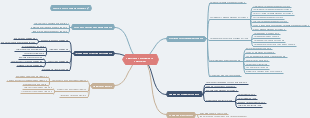
For every programmer, mastering Git commands is an essential skill. Git is a powerful version control system used to track changes and collaborations in files. Mastering these Git commands has many benefits for programmers. Firstly, Git provides powerful version control capabilities, allowing programmers to track and manage the history of code changes. This helps to avoid code conflicts and loss, and facilitates backtracking and fixing errors. Secondly, the Git command simplifies team collaboration, allowing multiple programmers to work together on a project, effectively sharing and merging their respective code. This helps to improve the efficiency and quality of the team's work. In addition, the Git command also provides flexible branch management capabilities, allowing programmers to easily create, switch, and use different branches for development and testing. In short, mastering these Git commands can provide programmers with many conveniences, enabling them to manage and collaborate code more efficiently, improving project development efficiency and code quality. This is a mind map about Basic Git commands Every Developer Must Know. The map contains 5 main branches, namely: Git: configurations, Git: starting a repository, Git: starting files, Git: committing to a repository, and Git: branching. Each main branch has detailed descriptions of multiple sub branches. Suitable for people interested in Git commands.
- JavaScript Basics
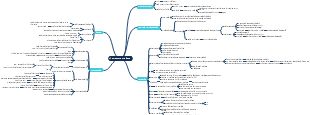
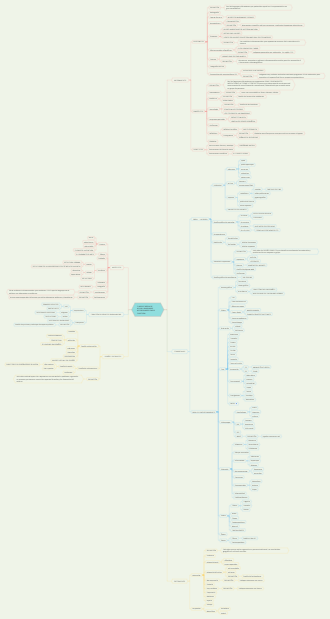
JavaScript is a popular programming language that is widely used for developing dynamic and interactive web applications. In this mind map, we will explore the fundamental concepts and syntax of JavaScript, providing you with a solid foundation to start your journey in web development.
Tutorial for learn JavaScript
- Basic Git Commands
Programmers must understand Git because it is a very important version control system that greatly assists in collaboration, code management, version tracking, and other aspects of software development. As a programmer, it is very important to understand and be proficient in using Git. Git is an indispensable tool for both individual project management and collaborative development between teams. This is a mind map about Basic Git commands Every Developer Must Know. The map contains 5 main branches, namely: Git: configurations, Git: starting a repository, Git: starting files, Git: committing to a repository, and Git: branching. Each main branch has detailed descriptions of multiple sub branches. Suitable for people who want to learn about Git commands.
- Basic Git Commands Every Developer Must Know
For every programmer, mastering Git commands is an essential skill. Git is a powerful version control system used to track changes and collaborations in files. Mastering these Git commands has many benefits for programmers. Firstly, Git provides powerful version control capabilities, allowing programmers to track and manage the history of code changes. This helps to avoid code conflicts and loss, and facilitates backtracking and fixing errors. Secondly, the Git command simplifies team collaboration, allowing multiple programmers to work together on a project, effectively sharing and merging their respective code. This helps to improve the efficiency and quality of the team's work. In addition, the Git command also provides flexible branch management capabilities, allowing programmers to easily create, switch, and use different branches for development and testing. In short, mastering these Git commands can provide programmers with many conveniences, enabling them to manage and collaborate code more efficiently, improving project development efficiency and code quality. This is a mind map about Basic Git commands Every Developer Must Know. The map contains 5 main branches, namely: Git: configurations, Git: starting a repository, Git: starting files, Git: committing to a repository, and Git: branching. Each main branch has detailed descriptions of multiple sub branches. Suitable for people interested in Git commands.
- JavaScript Basics
JavaScript is a popular programming language that is widely used for developing dynamic and interactive web applications. In this mind map, we will explore the fundamental concepts and syntax of JavaScript, providing you with a solid foundation to start your journey in web development.
- Recommended to you
- Outline