Wondershare EdrawMind
MindMap Gallery Login process of the PMS administrator
Login process of the PMS administrator
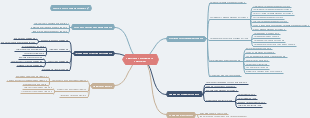
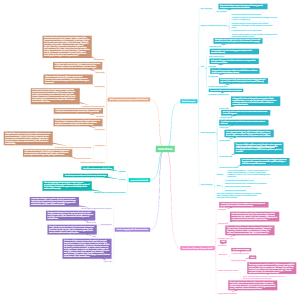
The main reason to set up the administrator login process is to protect the security of important resources and data. By verifying the identity of administrators, you can ensure that only authorized people have access to sensitive information and perform critical actions. This helps prevent unauthorized access and potential security risks. The administrator login process typically requires authentication information such as a user name and password, and may sometimes include a multi-factor authentication process. These measures can provide a certain degree of authentication protection and reduce the risk of malicious attacks and data breaches. This is a mind map of the PMS administrator login process. From the beginning to the end of the process, there are 9 steps, which are: PMS Admin logged in his id, Reporting Manager setting from the admin access, Template Creation, PMS admin logged in his ID, Reporting manager setting from the admin access, template creation, Set Financial Year For The Template, Pillars added against the template with weightage, Areas will be added with the Pillars with the corresponding weightage, The template to be tagged location,department and designation group wise, Admin declare separate timeline for employee,R1,R2 during tagging the template to anyone, Launch. For those interested in the administrator login process.
Edited at 2023-08-04 12:53:49
- Recommended to you
- Outline