MindMap Gallery EdrawMind Introduction
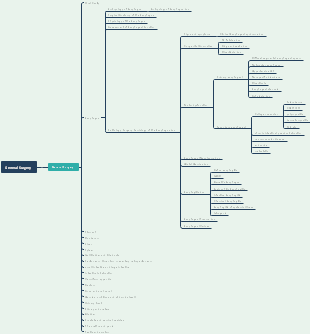
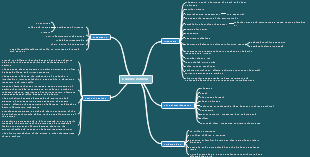
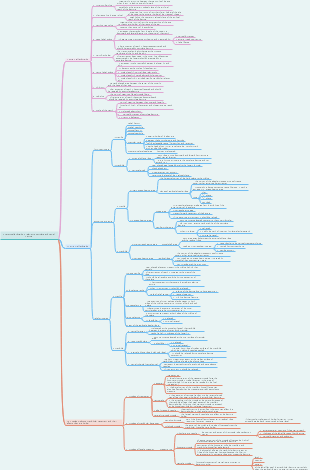
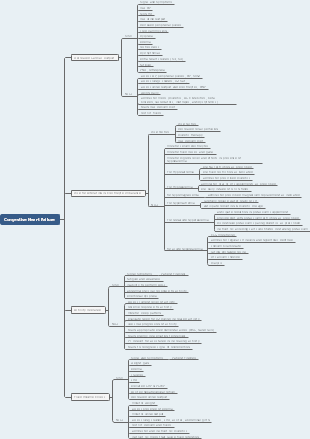
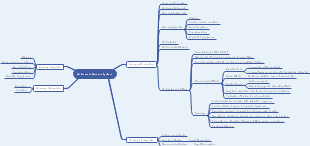
EdrawMind is a powerful tool that provides rich features. The software has the following characteristics: easy to start drawing mind maps: EdrawMind software provides an easy-to-use interface and tools, allowing users to quickly get started and start creating mind maps. Professional level mind map creation: The software provides rich formatting and style options, allowing users to create professional level mind maps. Rich color and format design: EdrawMind software supports users to customize the colors, fonts, backgrounds, etc. of mind maps, making them more vivid and easy to understand. Rich examples and templates: The software provides a large number of examples and templates, allowing users to quickly create mind maps that meet their needs. PowerPoint presentations and Gantt charts: EdrawMind software supports exporting mind maps into PowerPoint presentations and supports Gantt chart functionality, making it convenient for users to manage projects. Brainstorming and Formula Editor: The software supports Brainstorming function, making it convenient for teams to collide ideas and ideas. At the same time, it also supports Formula Editor, making it convenient for users to add mathematical formulas to their mind maps. Import and export function: EdrawMind software supports multiple file formats for import and export, facilitating data exchange between users and other software. Sharing and Collaboration Functionality: The software supports multiplayer collaboration and sharing, making it convenient for team members to edit and discuss mind maps together. This is a mind map about the functions of EdrawMind . The map contains 11 major branches, namely: Start drawing mindmaps with ease, Make a professional mindmap, Colorful Format Design, Abundant examples and templates, Slideshow, Gantt Chart, Brain Storm, Formula, Table, Import and Export, and Share and Collaboration. Each branch has sub branches for further detailed description.
Edited at 2023-05-22 11:10:07