Wondershare EdrawMind
MindMap Gallery Get access to DeepSeek API
Get access to DeepSeek API
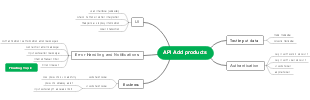
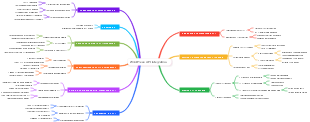
This is a mind map about obtaining access to the DeepSeek API. The main contents include: description, summary, and obtaining access to the DeepSeek API.
Edited at 2025-02-06 10:29:23
- DeepSeek User Guide Collection
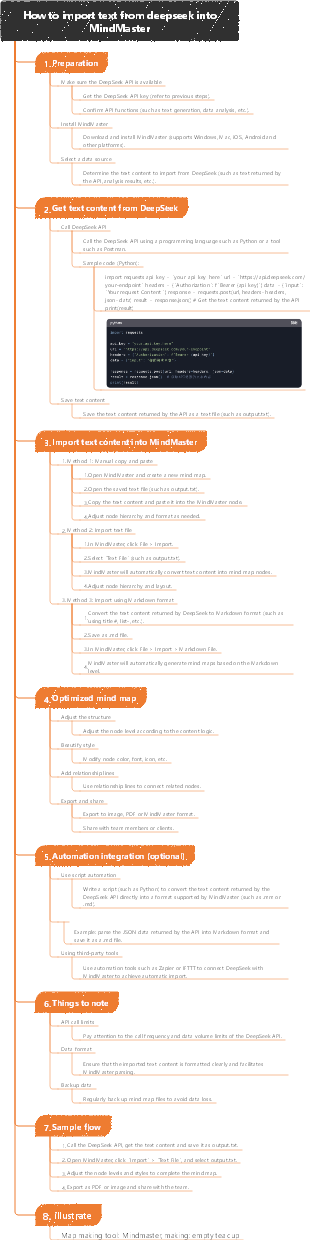
In order to help everyone use DeepSeek more efficiently, a collection of DeepSeek guide mind map was specially compiled! This mind map summarizes the main contents: Yitu related links, DS profile analysis, comparison of DeepSeek and ChatGPT technology routes, DeepSeek and Qwen model deployment guide, how to make more money with DeepSeek, how to play DeepSeek, DeepSeek scientific research Application, how to import text from DeepSeek into MindMaster, the official recommendation of DeepSeek Wait, allowing you to quickly grasp the essence of AI interaction. Whether it is content creation, plan planning, code generation, or learning improvement, DeepSeek can help you achieve twice the result with half the effort!
- DeepSeek 30 feeding level instructions
This is a mind map about DeepSeek's 30 feeding-level instructions. The main contents include: professional field enhancement instructions, interaction enhancement instructions, content production instructions, decision support instructions, information processing instructions, and basic instructions.
- Voice recognition commercial solution
This is a mind map about a commercial solution for task speech recognition. The main content includes: text file content format:, providing text files according to the same file name as the voice file.
Get access to DeepSeek API
- DeepSeek User Guide Collection
In order to help everyone use DeepSeek more efficiently, a collection of DeepSeek guide mind map was specially compiled! This mind map summarizes the main contents: Yitu related links, DS profile analysis, comparison of DeepSeek and ChatGPT technology routes, DeepSeek and Qwen model deployment guide, how to make more money with DeepSeek, how to play DeepSeek, DeepSeek scientific research Application, how to import text from DeepSeek into MindMaster, the official recommendation of DeepSeek Wait, allowing you to quickly grasp the essence of AI interaction. Whether it is content creation, plan planning, code generation, or learning improvement, DeepSeek can help you achieve twice the result with half the effort!
- DeepSeek 30 feeding level instructions
This is a mind map about DeepSeek's 30 feeding-level instructions. The main contents include: professional field enhancement instructions, interaction enhancement instructions, content production instructions, decision support instructions, information processing instructions, and basic instructions.
- Voice recognition commercial solution
This is a mind map about a commercial solution for task speech recognition. The main content includes: text file content format:, providing text files according to the same file name as the voice file.
- Recommended to you
- Outline